
Everything Jarvis can do
Jarvis is a single Windows application that brings together your AI, mail, clients and tasks, and adds 73 apps for everyday work. Every feature is included in every plan.
AI chat with all your AIs
ChatGPT, Claude and Gemini through your own subscriptions in a single window, plus free AI services and an offline model. Jarvis chooses the model and the depth of the answer by itself, and when one account runs out of its limit, the next one carries on. Up to 6 tasks at once in different chats.
Does the work on your computer
Reads and creates PDF, Word and Excel files, merges and fills in documents, works in the browser with your logins and operates program windows. It always asks before sending, paying, buying or deleting anything. It never types passwords.
Mail with full access
Gmail and your business mailboxes in one place. Say “check my mail” and you get a summary with links; for every message there is a draft reply that you send in two clicks. Unimportant and undeliverable e-mails are cleared away with one button.
Salesman
Every 15 minutes it reads your business mailboxes, adds leads to Clients, prepares a reply in your style and reminds you of unanswered quotes and unpaid work. Nothing is sent on its own.
Business and clients
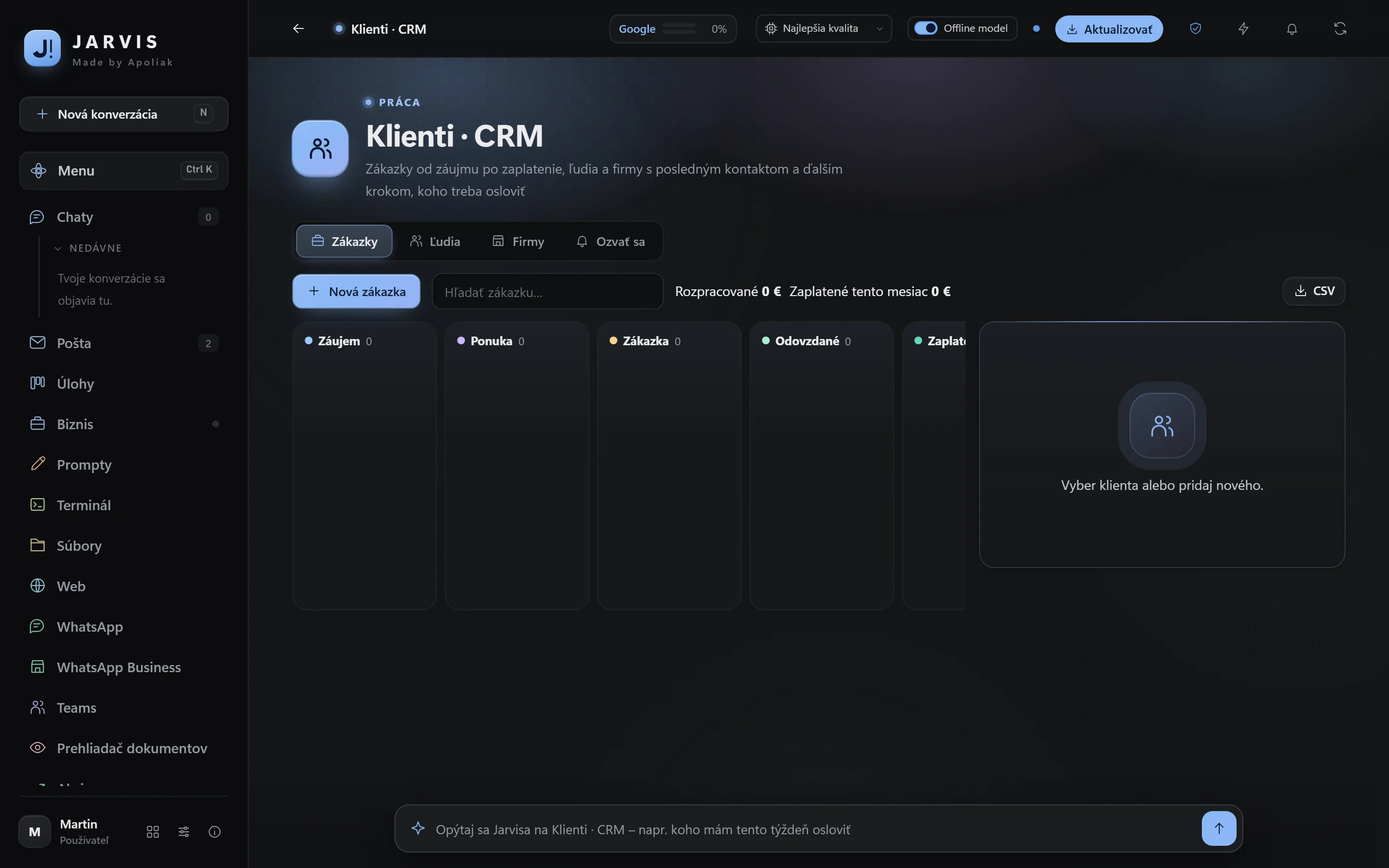
Revenue and expenses by month, a monthly goal, what is waiting to be paid, and the status of your websites and certificates. Clients from first interest to payment, price quotes as PDF and a database of companies from the business register by company ID (IČO).
Tasks, calendar and reminders
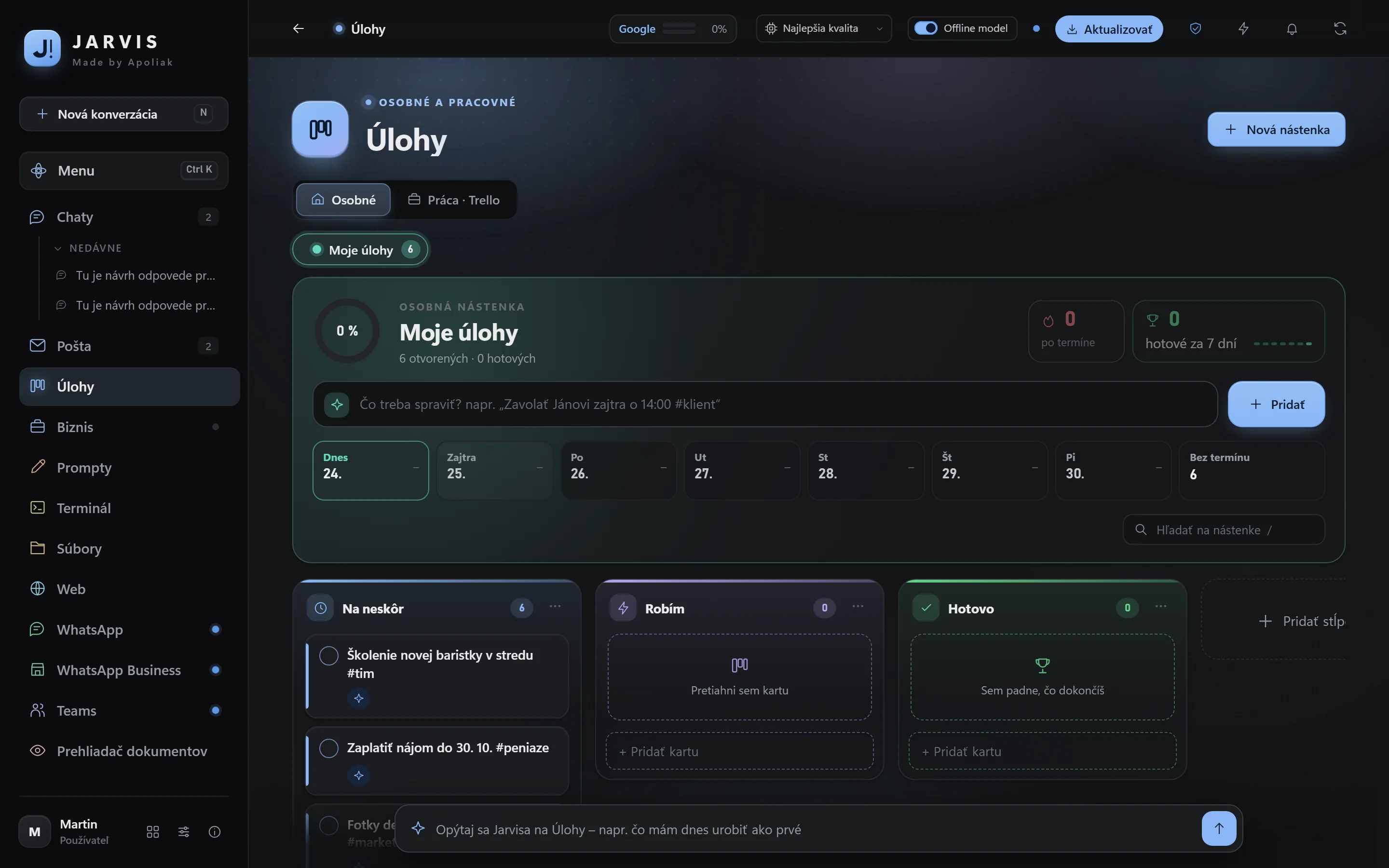
Your own Trello-style board with due dates, labels and repeating tasks. Add a task with one sentence: “call the supplier tomorrow at 9”. A calendar with public holidays and name days, an alarm clock, a timer and reminders.
Voice and meeting minutes
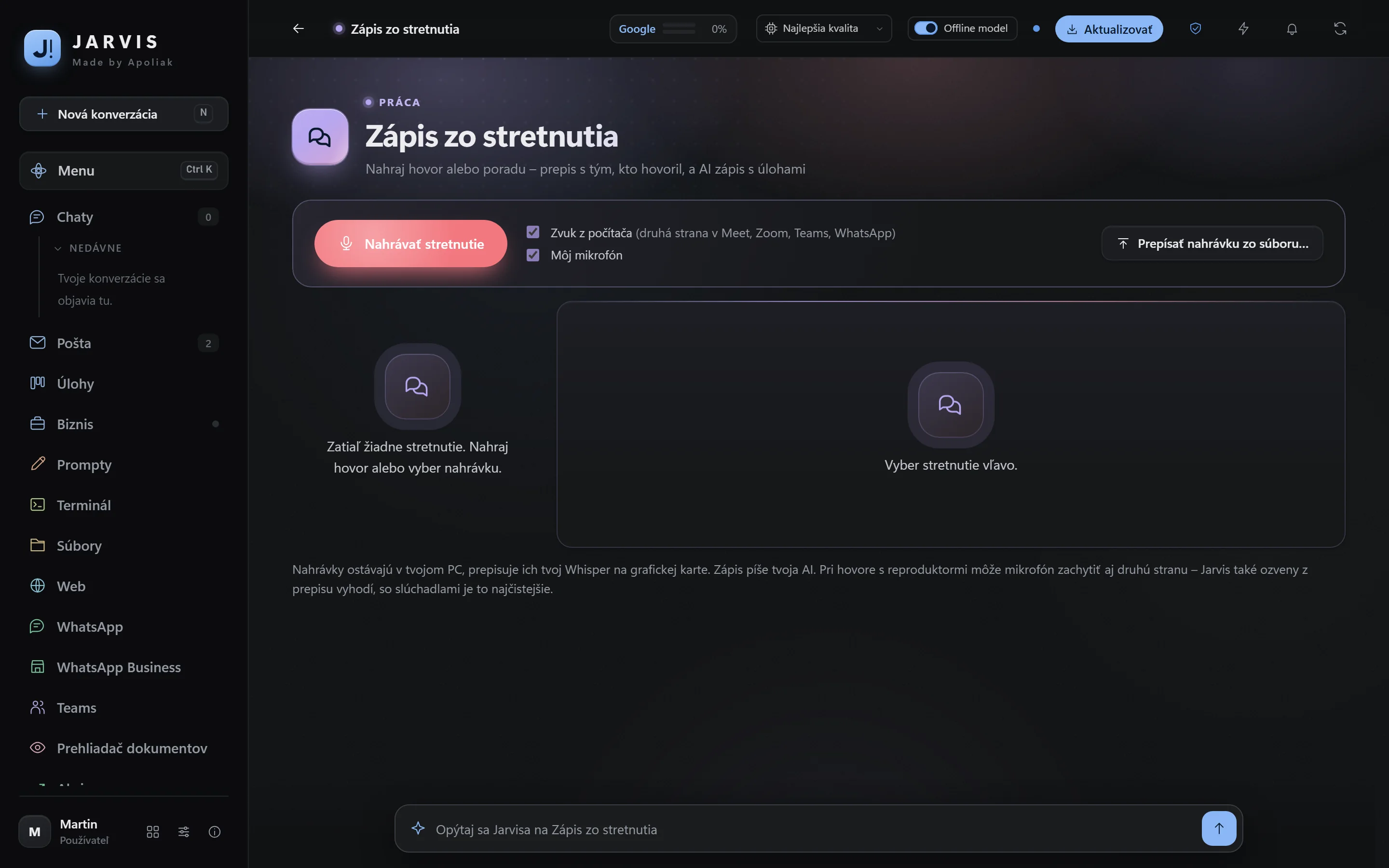
Hold a key and dictate into any window – transcription runs offline on your graphics card. Record a meeting or a call and you get a transcript showing who spoke, plus minutes with tasks.
Automation
Schedule work that Jarvis does on its own: a mail summary every morning, invoices from your mail into Excel on Fridays, a website check every 4 hours. When it needs your approval, it sends a notification and waits.
Jarvis on your phone
Chat, mail, tasks and approvals on your phone over a private encrypted connection to your PC. A task started from your phone runs to the end on your computer, even if you lock the phone.
Everything in one window
A browser with tabs and passwords, files with previews of Word, Excel and PDF, a terminal, WhatsApp, Teams and Discord – there is no need to leave Jarvis. Ctrl + K finds anything, Alt + S takes a screen snip.
E-invoices ready for 2027
Checking, viewing and issuing e-invoices to the European standard EN 16931 and Peppol BIS 3.0, all offline. You can check an e-invoice from a mail attachment with one click.
Privacy and security
Your data stays on your computer, Windows encrypts your passwords and the AI never receives them. Antivirus and VPN in one click; Incognito sends companies requests to erase your data under the GDPR.
Real Jarvis screens
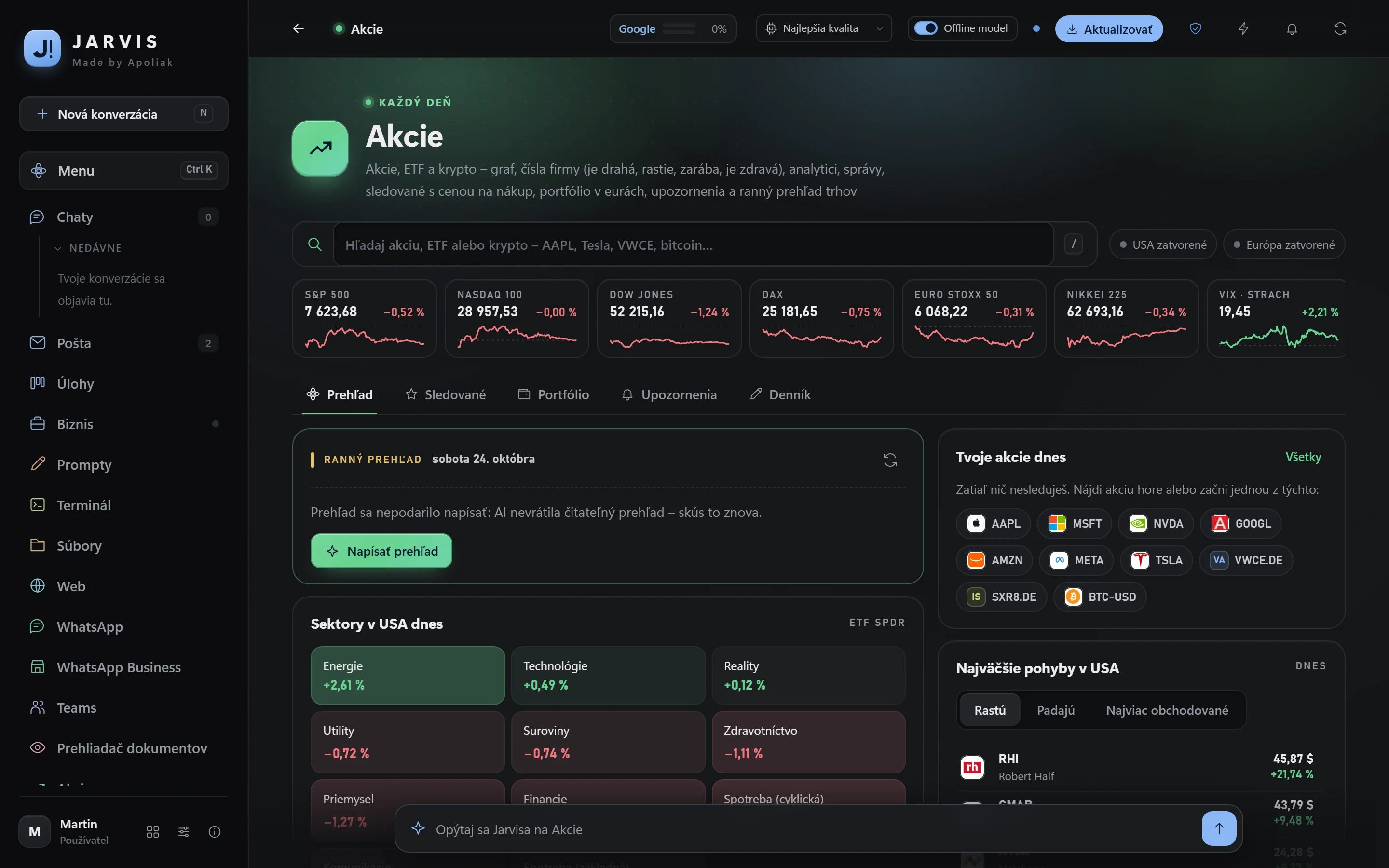
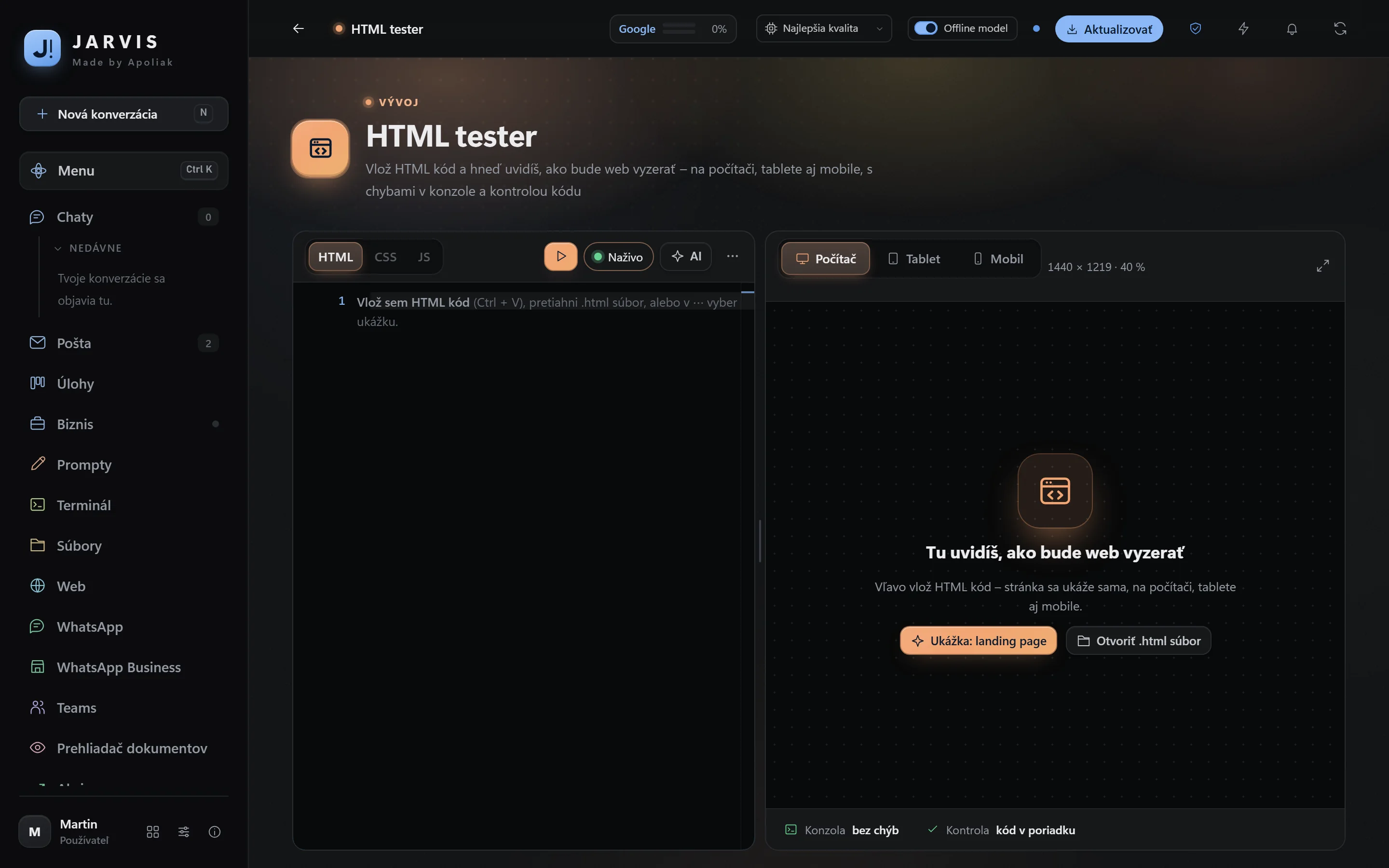
No illustrations – this is how Jarvis looks on your computer (with sample data).
 Jarvis
 Jarvis
 Jarvis
 Jarvis
 Jarvis
 Jarvis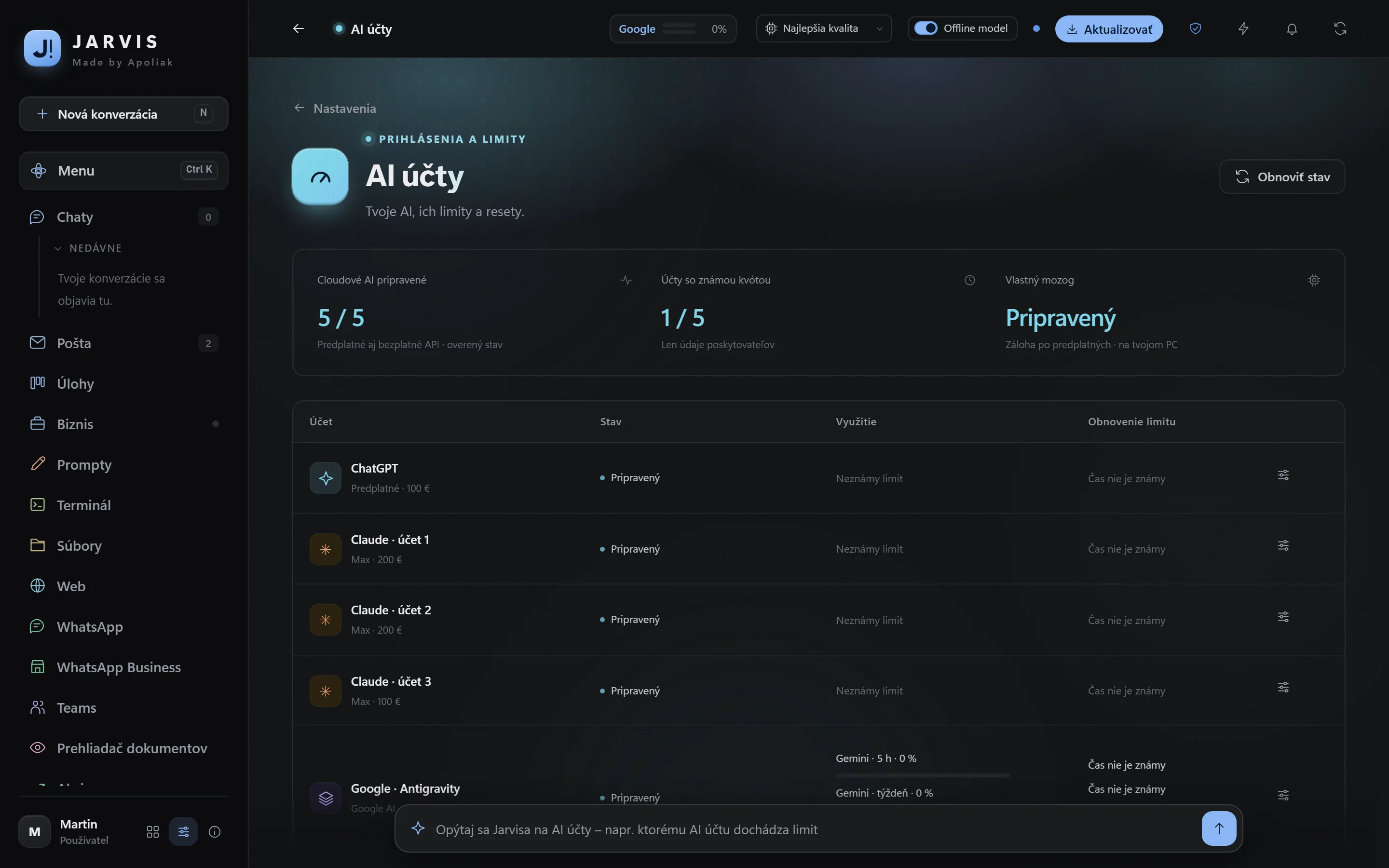
73 apps you don’t have to hunt for
They run right inside Jarvis, with no ads and no sign-ups, and you can simply ask the AI (“which app will help me with an invoice?”).
Everyday 16
Work 21
Development 8
Computer 9
Learning 6
Games 13
Jarvis looks after itself
Updates without the wait
A new version downloads in the background and is swapped in when you step away from the computer or close Jarvis. No blue update screens.
A check after every version
After an update Jarvis checks your mail, AI accounts and apps by itself. If something is off, it logs it and lets you know.
Encrypted backup
Jarvis data can be backed up encrypted, so you lose nothing when you change computers.
Jarvis for you and your company
500 € installation once, then from 15 € a month. I install it, set it up and look after it.